Qwen ROCm Inference Setup Progress | Generated by AI
Here’s a concise summary of your current server setup status:
Current Status: Successfully downloading a Qwen model onto a DigitalOcean ROCm droplet for inference.
Key Points:
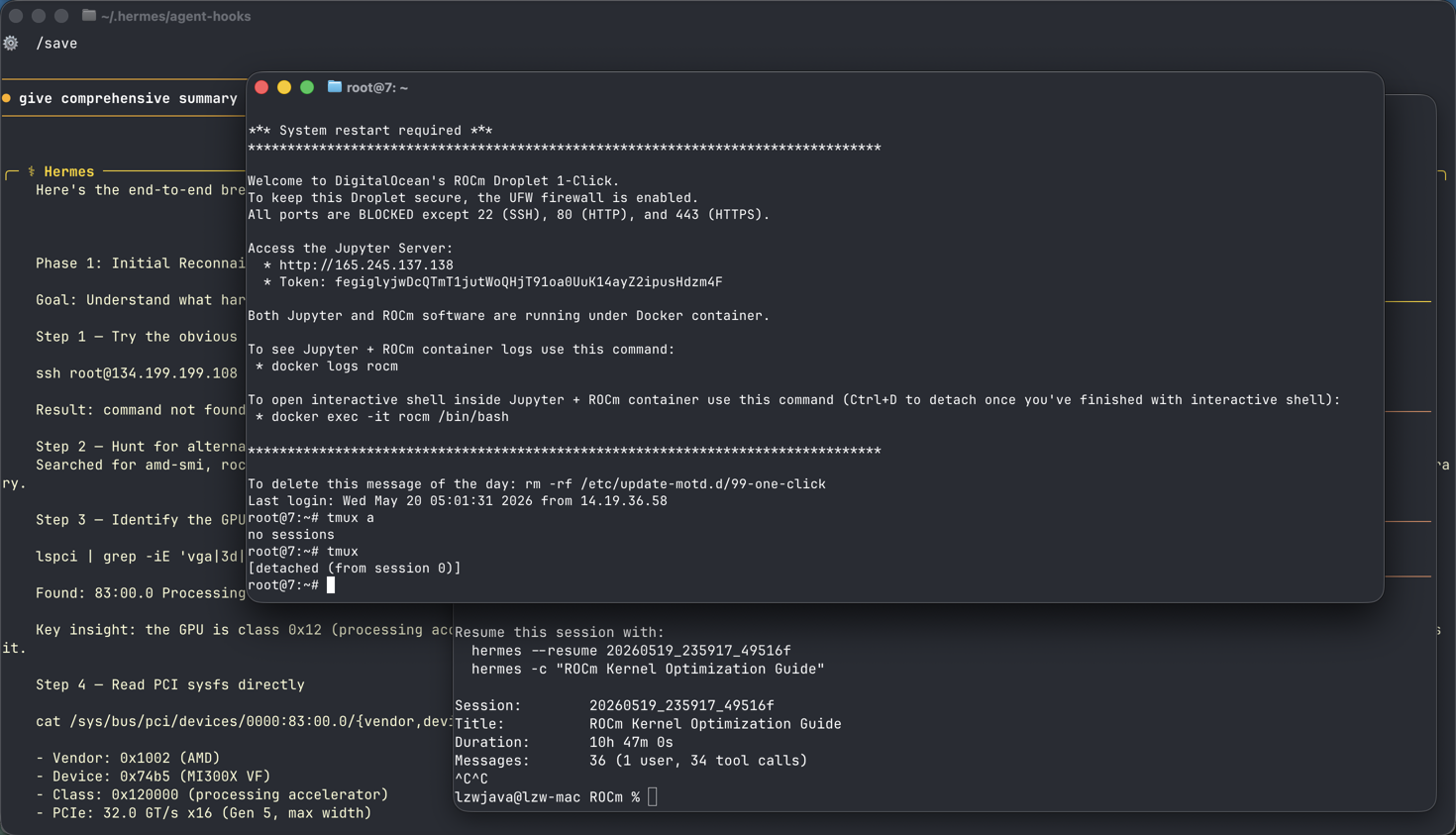
- Infrastructure: DigitalOcean MI300X GPU droplet (ROCm-enabled) successfully provisioned and accessed via SSH/UJupyter
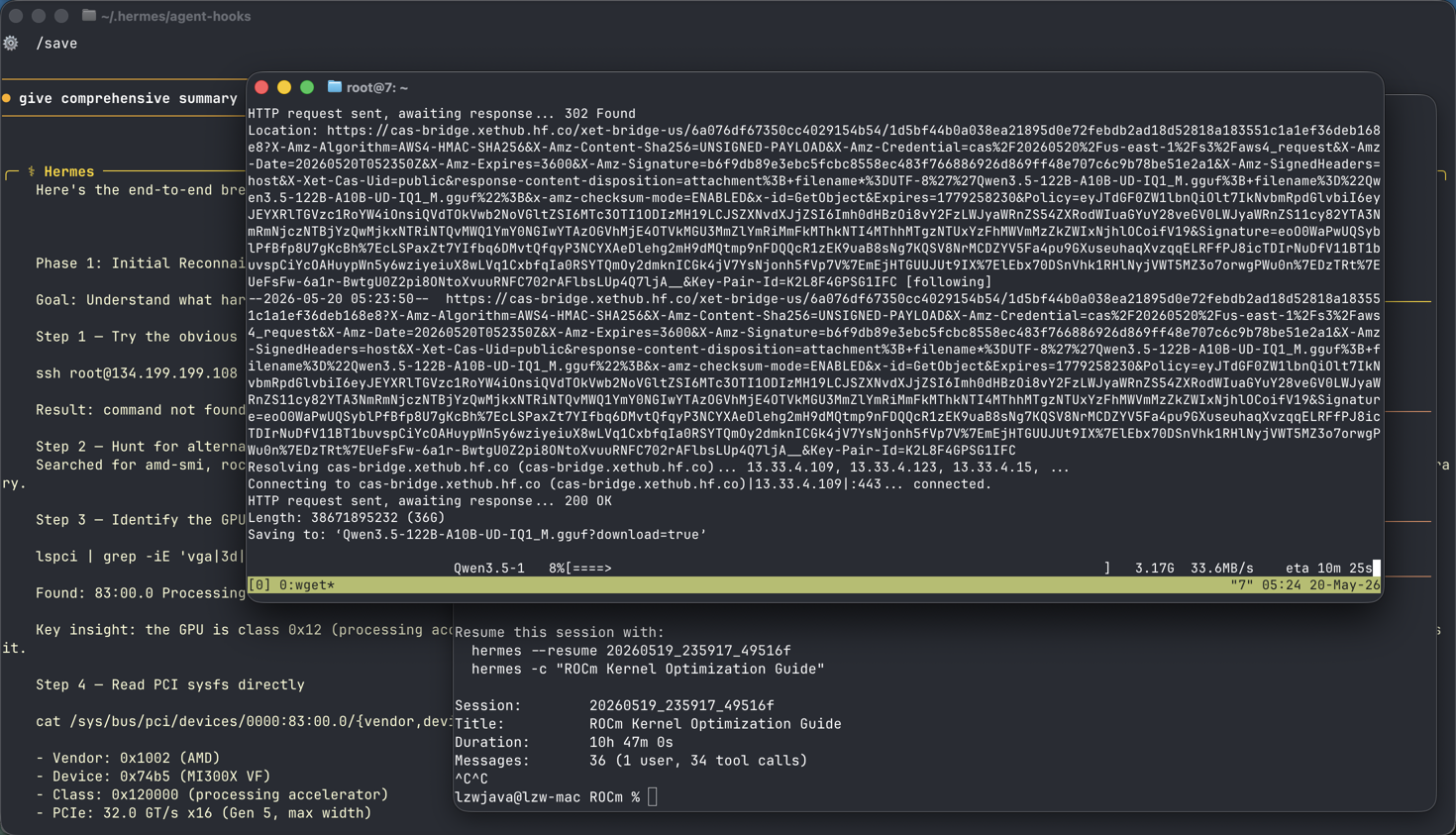
- Model Download: Initially failed with
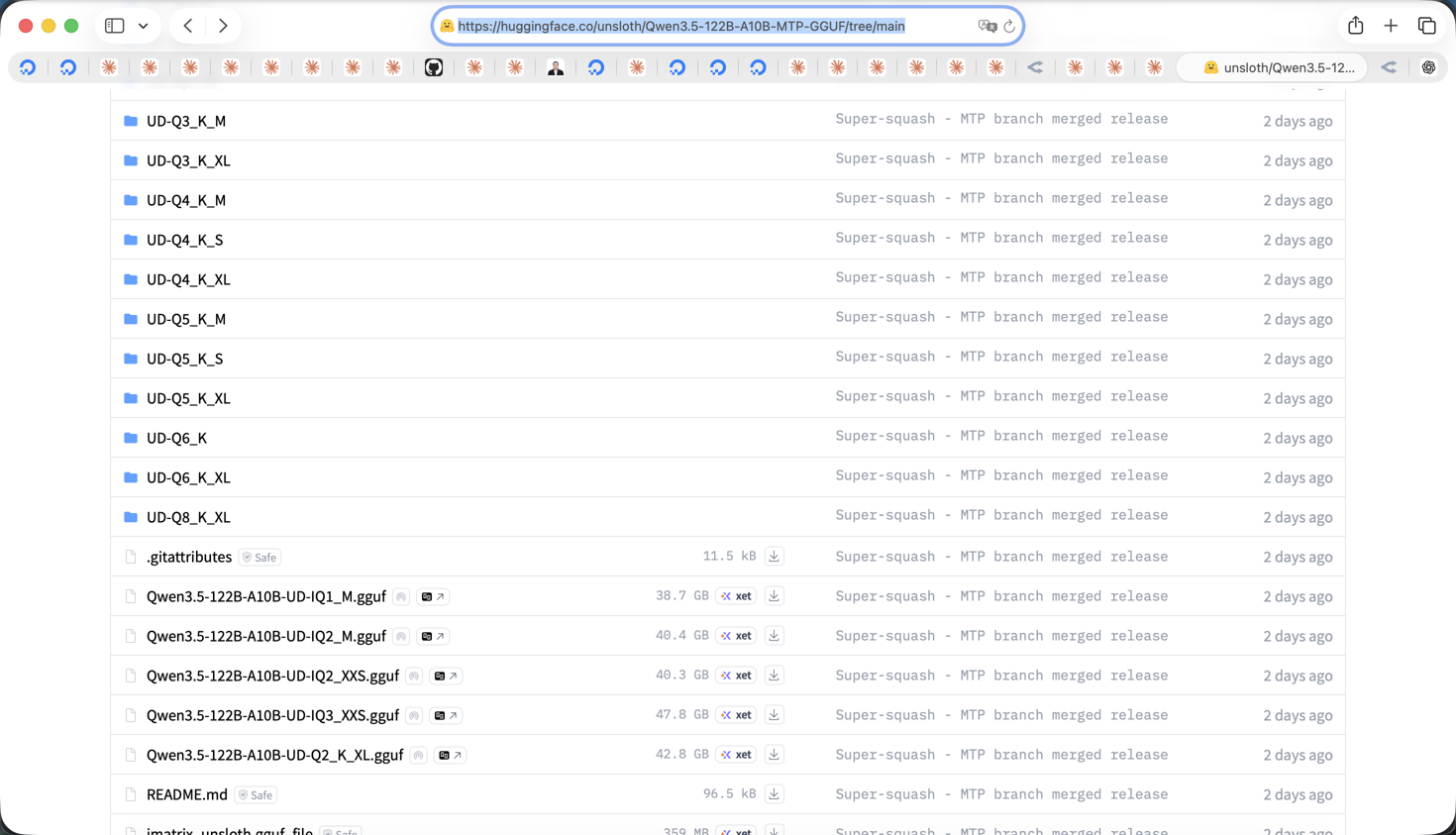
wget(404 error), but now successfully downloading viahuggingface-cli- currently at 88% (35.8/40.4 GB) of the Qwen3.5-122B-UD-Q4_K.gguf file - Next Steps: After download completes, you’ll need to:
- Compile inference engine (likely
llama.cpp) with ROCm support - Verify the downloaded model file integrity
- Configure and run inference using the Qwen GGUF model
- Compile inference engine (likely
Outcome: The main barrier (model download) has been resolved and is progressing well. Once complete, you’ll proceed to inference setup on your AMD MI300X hardware.
Screenshots: